Blue Team Labs Online - Dissect
XYZ Company is expanding its in-house security team capabilities and doing rapid experimentation on different open-source frameworks to perform DFIR.
Digital Forensics
Tags: dissect T1059
Scenario XYZ Company is expanding its in-house security team capabilities and doing rapid experimentation on different open-source frameworks to perform DFIR. You were assigned a framework called “dissect” to test and validate the capabilities.
Boss quickly performed some actions(confidential data theft and a reverse shell case) on a machine and provided you with a disk image and asked you to prepare a proof of concept with “dissect” framework. Disk Image is placed on the desktop.
Research the framework. All the Best!
Investigation Submission
Q1) Submit the hostname and ip address of the target disk image (Format: hostname, x.x.x.x)
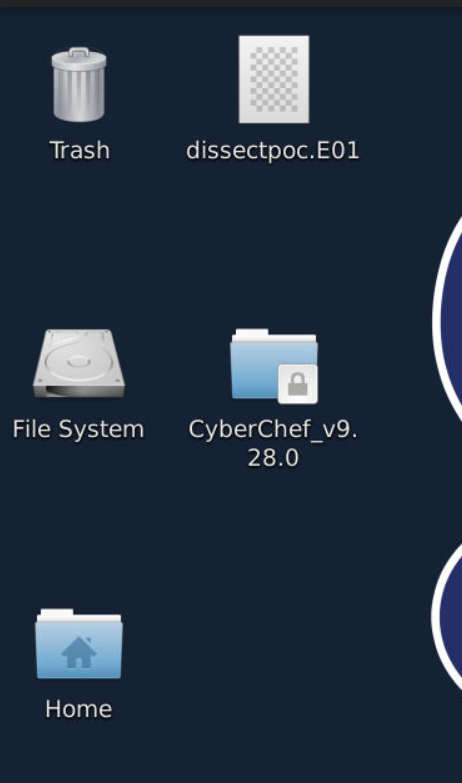
We got a disk image file on investigation desktop and the only tool we can use on this investigation is dissect so we can read the documentation to find out how we can use this tool and what options/plugins are available for us.
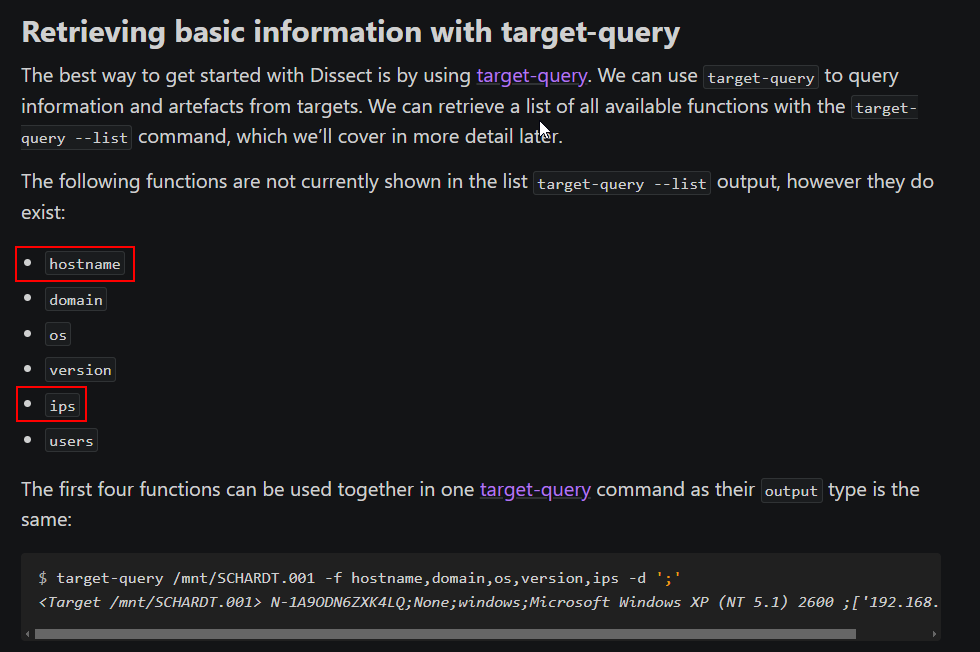
Which we will find that we can use target-query with -f tag with hostname and ips to retrieve answers of this question from disk image.

There you go.
Answer
DESKTOP-42S4JRT ,10.0.2.30Q2) Submit the usernames of the 3 accounts present on the system (Format: username1, username2, username3)
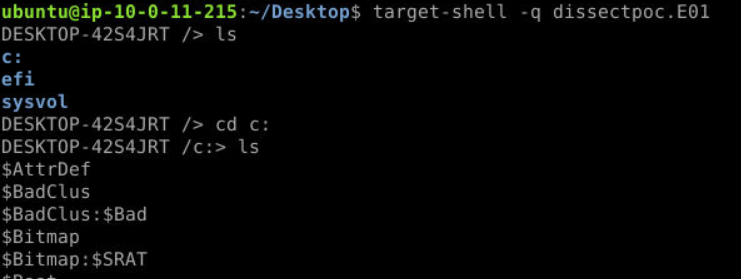
There are 2 ways you can do this, first is to use target-shell to access files on this disk image directly
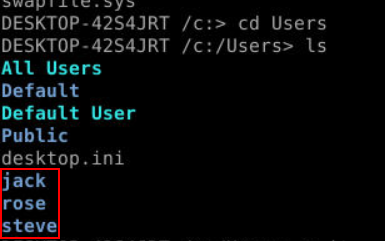
Which you can see that there are 3 users under

The other way is to use target-query with users like this.
Answer
jack, rose, steveQ3) Submit the full urls of the two confidential files that user downloaded (Format: http://something/something.ext, http://...)
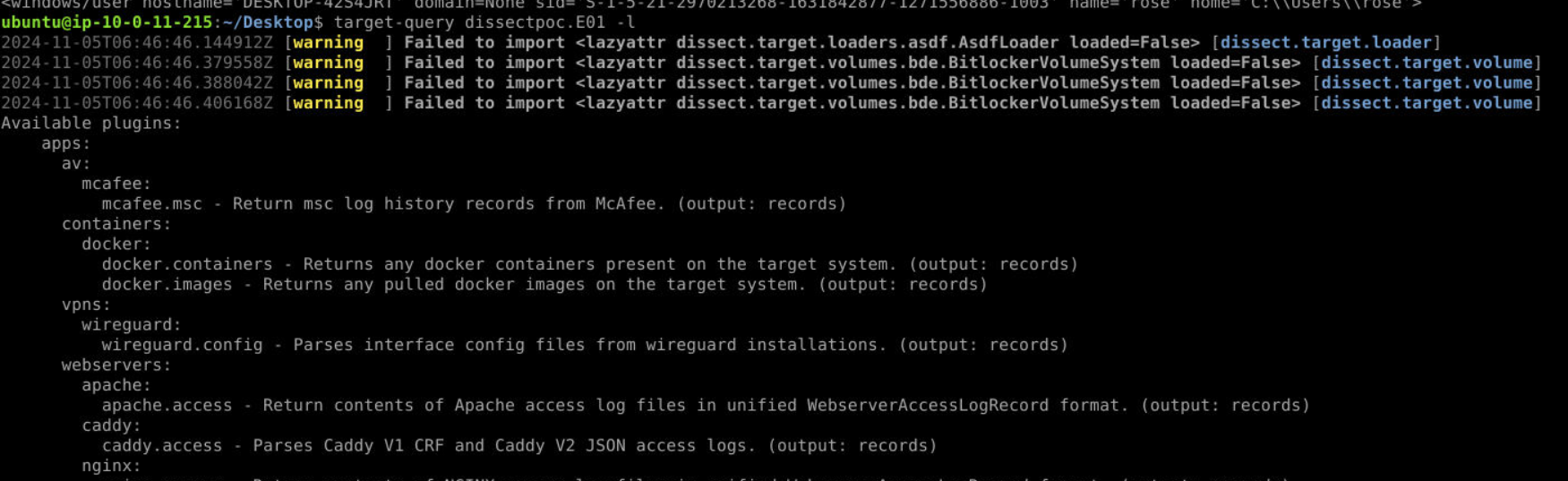
If you didn't know which plugin to use next, run target-query -l which will display all available plugins.
For this one, we have to use target-query dissectpoc.E01 -f iexplore.history -q | rdump -j > history.json which will query Internet Explorer history then pipe output to rdump and make it json so we can search an output from dissect directly (since we can't use grep with the output from target-query)

Then we will have 2 files accessed from the same url right here.
Answer
http://192.168.1.7/confidential_project_files/ProjectHunt_EarluEstimates_Confidential.pdf, http://192.168.1.7/confidential_project_files/Q4_Finances_Confidential.pdfQ4) Steve copied the confidential files to a USB drive. Submit the Friendly name of the USB (Format: USBFriendlyName)
 Use
Use usb plugin to retrieve information about any USB plug-in to this system.
Answer
SanDisk Ultra USB DeviceQ5) Boss added a folder path as exclusion in Windows defender. Submit the exclusion path (Format: C:\directory...)

I tried defender.evtx but did not work so I used target-query dissectpoc.E01 -f evtx -q | rdump -j > evtx.json then we can see that there is a folder on steve's desktop was added to exclusion.
Answer
C:\Users\steve\Desktop\superfileInsideQ6) Submit the full url from which reverse.exe was downloaded (Format: http://something...)

There are several plugins that can retrieve browser's download history and chrome.downloads is the one that we have to use to retrieve an answer of this question which you can see that user steve downloaded this file from Google Chrome on another internal IP address that hosted this file.
Answer
http://10.0.2.15:8000/reverse.exeQ7) Submit the SHA1 hash of reverse.exe (Format: SHA1Hash)

The only artifact that contains SHA1 of executable files on Windows is Amcache so we can use amcache plugin with grep and rdump to get SHA1 of this file like as shown above.
Answer
5949c949292be4f0be28bb1323d73b1911d9432dQ8) Submit the registry key added by the boss for reverse.exe to maintain persistence (Format: KeyName)
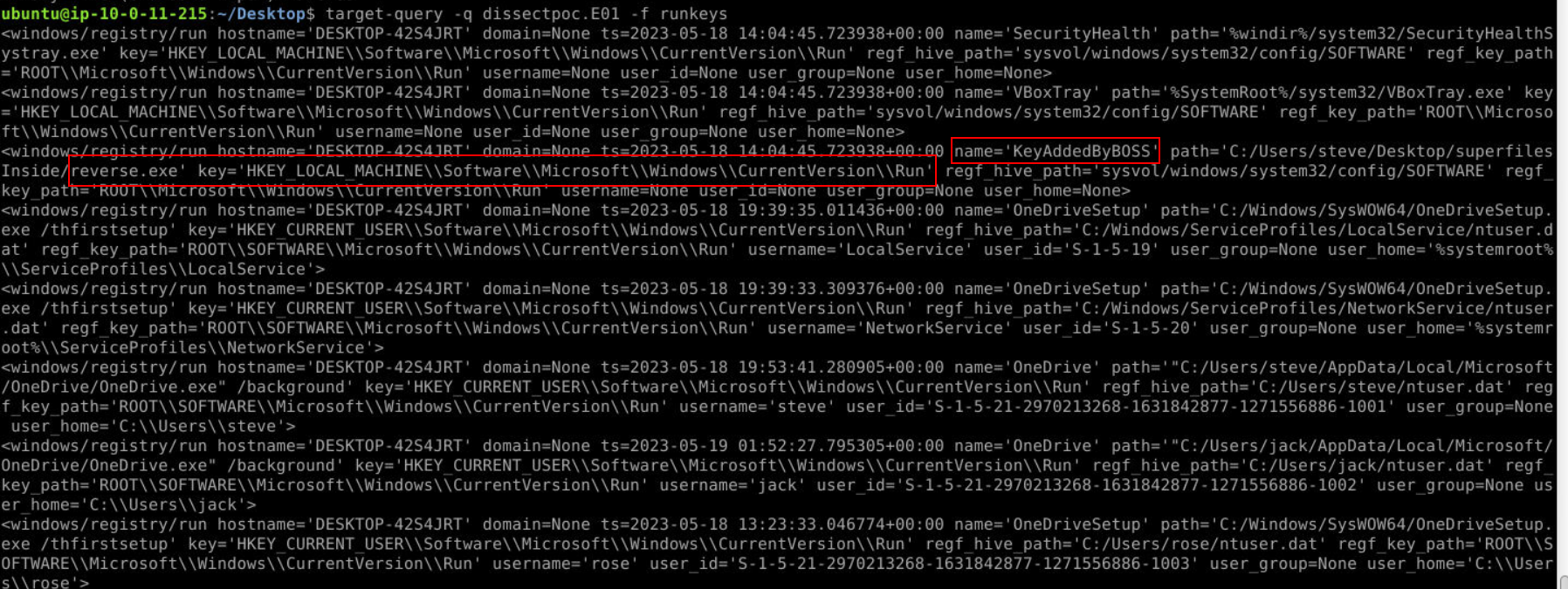 The popular key used to maintain persistence is run key so we can use
 runkeys plugin to retrieve all run keys from disk image like this then we could see that reverse.exe path was added to "KeyAddedByBOSS" key under run key.
Answer
KeyAddedByBOSSQ9) Name of the file stored in recyclebin (Format: filename.ext)

We can use recyclebin plugin for this which you can see the only text file inside $Recyble.bin, the alternative way to find this answer is to dig into disk image with target-shell directly.
Answer
MeetingMom.txtQ10) Boss kept a flag for you to find out (Hint: I capture the screens) (Format: flag{something})
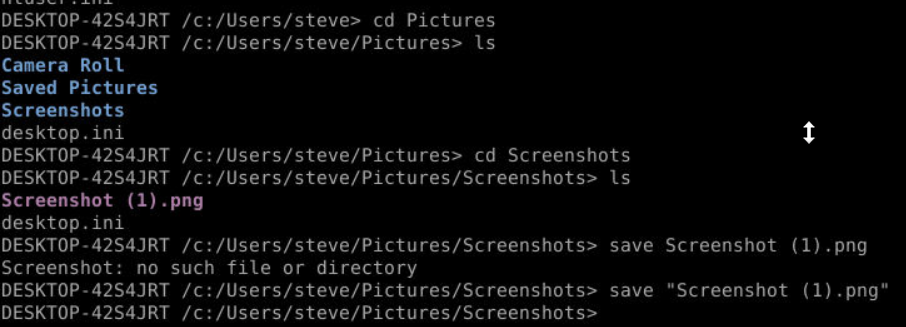
The hint is pointing us to Screenshots folder inside steve's picture folder so we can use target-shell with save option to download this screenshot and open it.
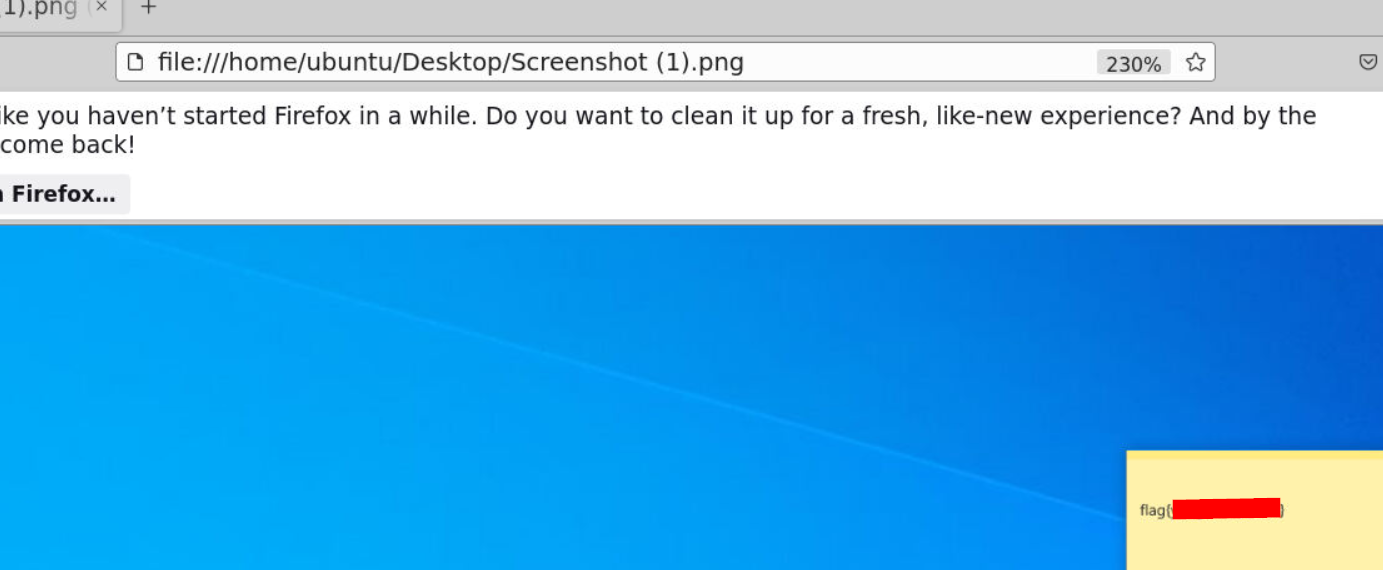
Then we will have a flag of this question right here.
Answer
flag{yougotthisdude} https://blueteamlabs.online/achievement/share/52929/141